

Download Free Voice Changer – free voice changer, voice effects, voice changer, voice mod, fun voice app, prank voice, audio effects, video voice changer, voice transformation, voice modulator
Overview
Free Voice Changer - Voice Effects Voice Changer is a free-to-use desktop application designed to transform vocal output with a wide range of entertaining and imaginative voice effects. The software enables users to modify their voice in real time or apply transformations to pre-recorded audio and video files. Its primary purpose is to support creative expression, humor, and content creation across social media platforms such as YouTube, TikTok, and Instagram. The app is particularly suited for casual users, content creators, pranksters, and anyone seeking a lighthearted way to experiment with vocal identity. With features that allow voice modulation to mimic different genders, ages, and even non-human entities like animals, robots, or mythical creatures, the software caters to users looking for playful audio manipulation tools. It also supports ambient sound integration, enhancing the realism of voice effects in simulated environments. The developer, Free Voice Changer, has positioned the app as a lightweight utility focused on accessibility and immediate entertainment value. While specific details about the developer’s background were not provided, the software’s availability on both Windows and Mac platforms indicates a broad target audience. Real-world usage scenarios include recording voiceovers for comedic skits, creating fictional characters for storytelling, or simply adding fun elements to online voice chats.Key Features & Capabilities
- Real-Time Voice Transformation: Users can alter their voice in real time during live recordings or voice chats, enabling immediate feedback and interactive fun.
- Pre-Recorded Audio and Video Editing: The app supports applying voice effects to existing audio and video files, making it useful for post-production content creation.
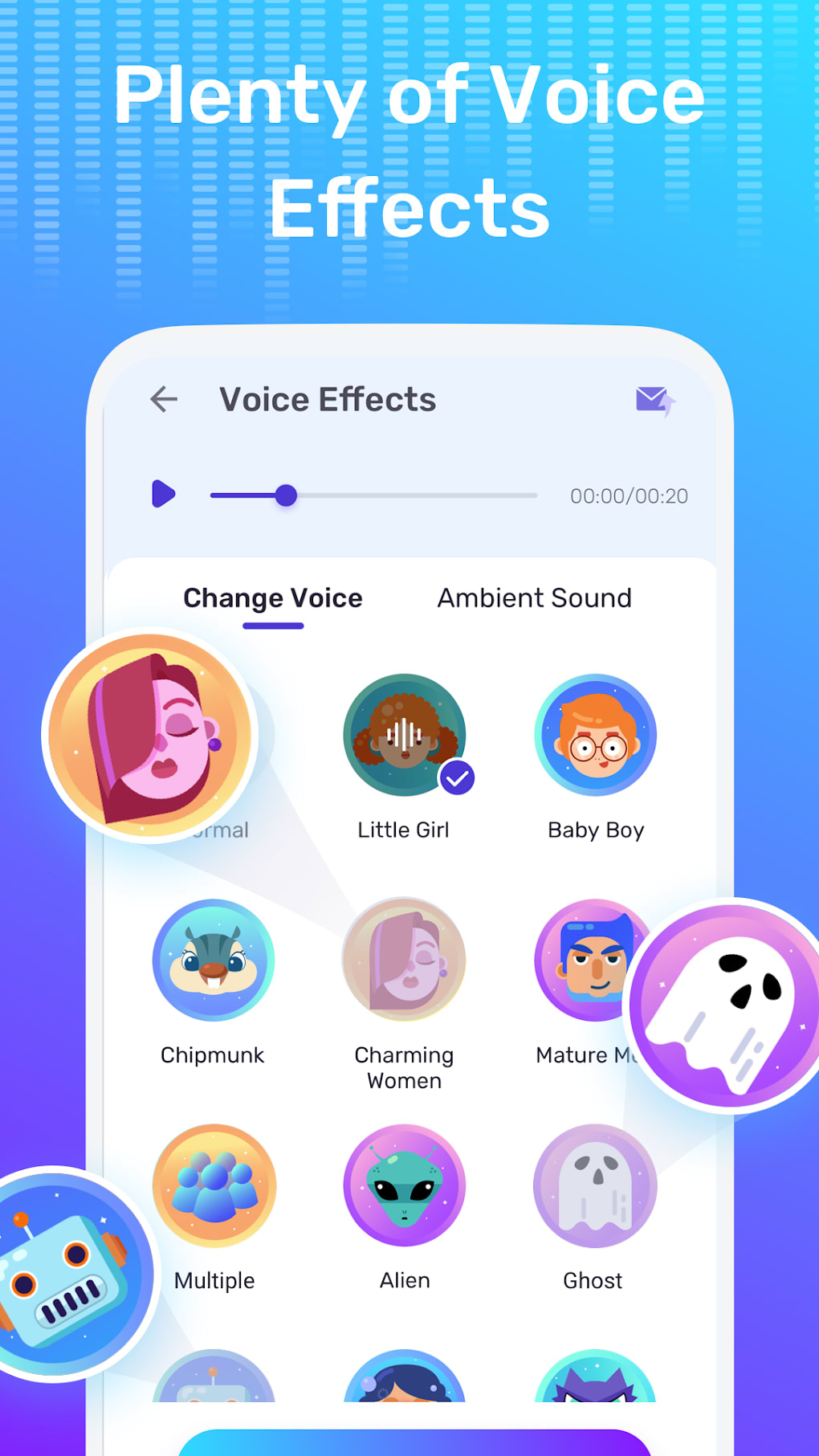
- Diverse Voice Presets: A wide selection of voice mods includes gender shifts (e.g., female to male), age-based changes (e.g., baby to elderly), and fantastical transformations (e.g., zombie, robot, alien).
- Animal and Fantasy Voice Effects: Unique presets simulate animal sounds such as sheep, bee, or frog, as well as otherworldly vocalizations for creative storytelling.
- Ambient Sound Integration: Users can layer environmental sounds (e.g., echo, forest, city) to enhance realism and immersion in voice recordings.
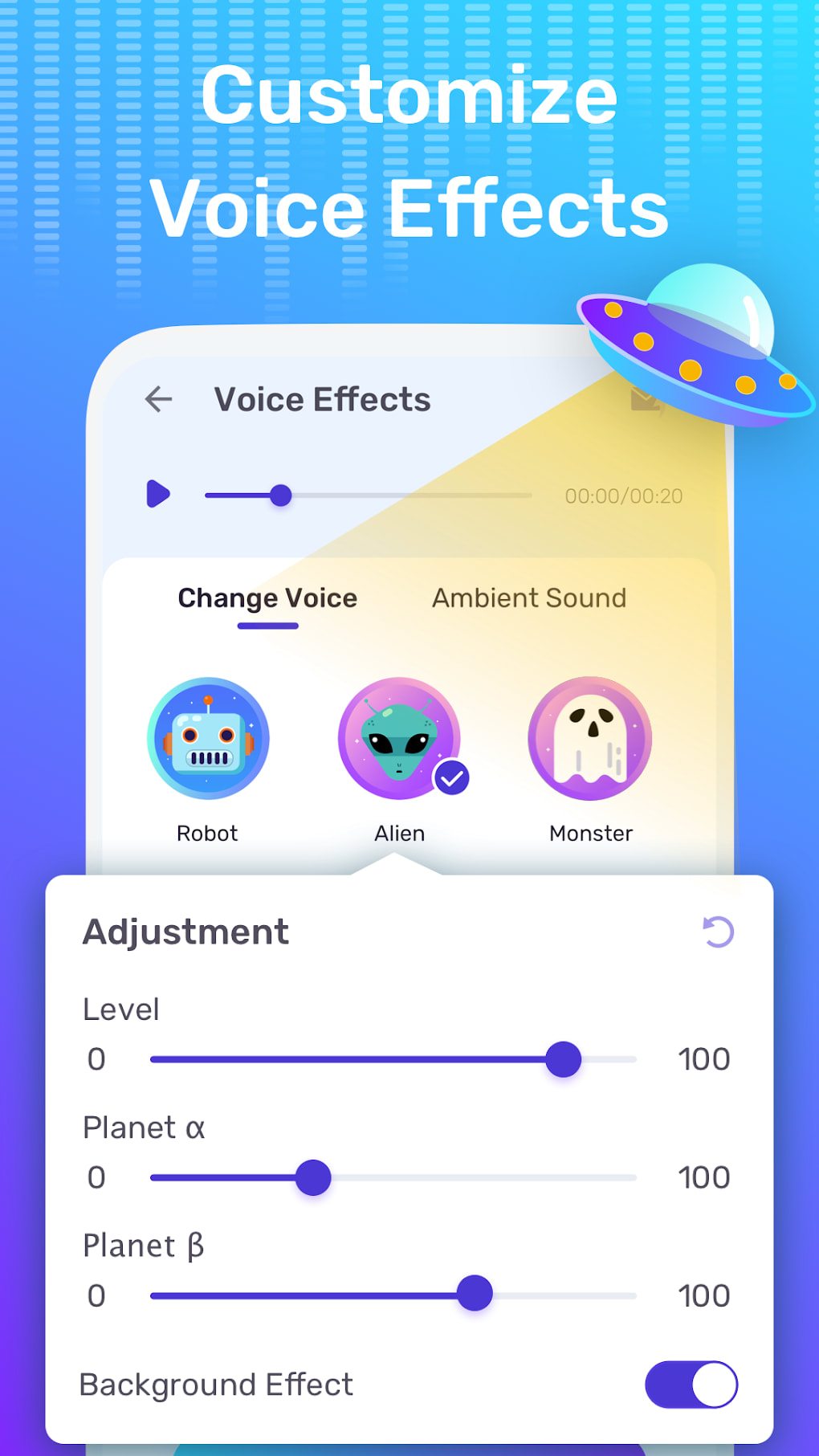
- Adjustable Audio Parameters: Options to modify pitch, clarity, and volume allow fine-tuning of the transformed voice for more personalized results.
User Interface, Workflow & Performance
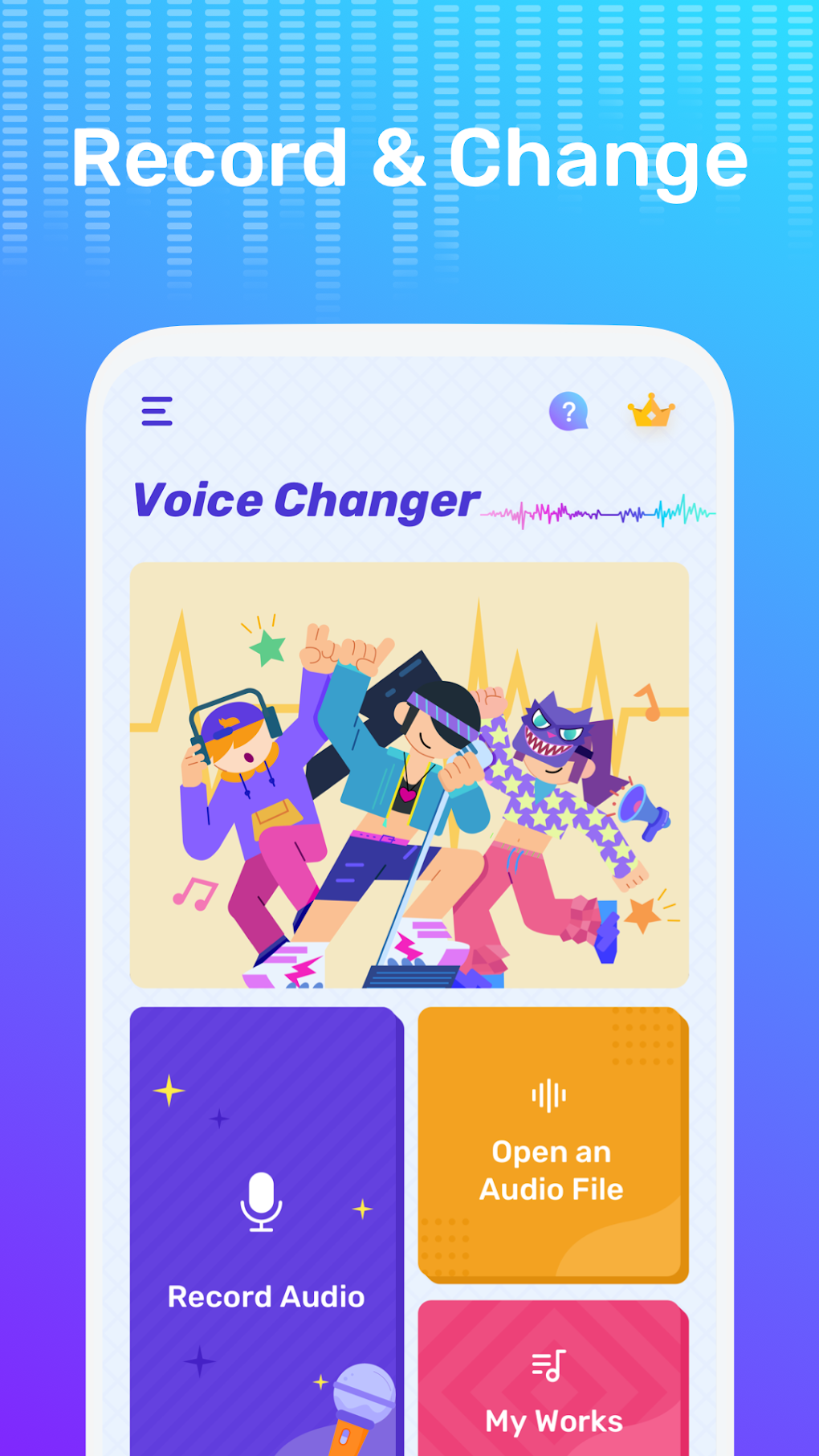
The user interface of Free Voice Changer - Voice Effects Voice Changer appears to be designed with simplicity in mind, featuring a central control panel with clearly labeled buttons for voice effects, playback, and settings. Navigation is likely linear, allowing users to select a preset, apply it to a recording, and preview the result with minimal steps. The workflow emphasizes ease of use, making it accessible even to users with limited technical experience. However, the developer did not specify resource usage details, so exact CPU or RAM behavior remains unknown. General software behavior patterns suggest that the app operates efficiently on modern systems, though performance may vary depending on system configuration. Stability appears to be inconsistent, as users have reported instances where audio playback fails or cuts out unexpectedly. The app may also experience delays during effect transitions or when switching between presets. While the interface is intuitive, the presence of intrusive advertisements can disrupt the user experience and interfere with navigation. These ads may appear during playback or when attempting to access certain features, potentially causing frustration. Overall, the workflow is functional but hindered by usability issues related to ad placement and audio reliability.Compatibility & System Requirements
Free Voice Changer - Voice Effects Voice Changer is available for both Windows and Mac operating systems, making it accessible to a wide range of desktop users. The software version is 1.2.3, with a file size of 15.6 MB, indicating a lightweight installation. The developer did not provide additional system requirements, so exact hardware specifications such as minimum RAM, processor type, or disk space are not available. Compatibility information was partially provided, confirming support for Windows and Mac platforms. The app’s small size suggests it does not require significant storage space, which is beneficial for users with limited disk capacity. However, without detailed system requirements, users cannot verify if their devices meet the necessary criteria for optimal performance. The absence of clarity around hardware needs may lead to installation or functionality issues on older or less powerful systems. Users are advised to ensure their operating system is up to date and to monitor the app’s behavior during initial use.Pros and Cons
Pros
- Free to use with no upfront cost
- Wide variety of voice effects including gender, age, and fantasy transformations
- Supports real-time and post-recording voice modulation
- Applicable to both audio and video files
- Lightweight installation at 15.6 MB
- Available on both Windows and Mac platforms
Cons
- High frequency of intrusive advertisements
- Frequent audio playback issues reported by users
- Moderate audio quality with noticeable degradation
- Limited system requirement details
- Interface disrupted by ad pop-ups
- Stability concerns during prolonged use
FAQ Section
Is Free Voice Changer compatible with Windows and Mac?
Yes, the software is available for both Windows and Mac operating systems as stated in the provided information.
Is the software safe to download and use?
The app is described as a free desktop utility. However, users should exercise caution when downloading from third-party sites due to the presence of ads, which may lead to unintended installations.
Does Free Voice Changer require an internet connection?
The software can function offline for basic voice transformation tasks. However, some features or ad-related content may require an internet connection.
How often are updates released?
The current version is 1.2.3, but no information was provided about the update frequency or release schedule.
Can I use Free Voice Changer for professional content creation?
While the app offers creative tools suitable for casual and social media content, its audio quality and stability issues may limit its suitability for professional-grade productions.






.png)
